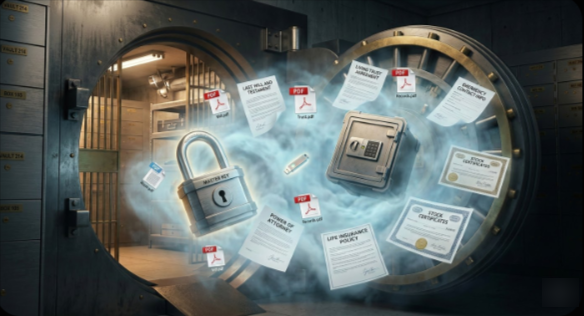
While organizing your Digital Estate Planning Securuty, creating a secure DMS (Document Management System) file environment on a home computer generally involves moving beyond simple folders and implementing encryption, version control, and access management. Depending on your technical comfort level, here are three primary ways to achieve this:
If “secure” is your priority, you can and should store your documents inside an encrypted container. This acts like a digital safe that only becomes a readable drive when you “unlock” it with a password.
- Tool: VeraCrypt (Open Source) or BitLocker (Built into Windows Pro).
- How it works: You create a “Virtual Disk” file of a specific size (e.g., 50GB). When you mount it using your password, it appears as a new Drive Letter (like
D:) where you can drag and drop files. - Why it’s secure: Even if someone steals your physical hard drive, they cannot see the filenames or contents without the master key.
3. The “Zero-Knowledge” Sync Method (Best for Mobility)
If you need to access these Digital Estate Planning files from multiple devices but want them encrypted on your home machine, use a zero-knowledge provider.
- Tool: Cryptomator.
- How it works: It encrypts individual files before they are sent to a cloud (like OneDrive or Dropbox) or moved to a backup drive.
- Why it’s secure: Unlike standard cloud storage, the provider cannot see your data. Only your home computer holds the decryption key.
Key Security Practices for any DMS:
- Follow the 3-2-1 Backup Rule: 3 copies of your data, on 2 different media types, with 1 copy stored off-site (or in an encrypted cloud).
- Metadata Scrubbing: Before saving sensitive “DMS files,” use a tool to strip EXIF data or hidden properties that might contain location or author info.
- File Naming Conventions: Use a standard format like
YYYY-MM-DD_Provider_Description.pdfto ensure you can find files even if the DMS database fails.

Leave a Reply